Local — R105/month
- Business profile and category listing
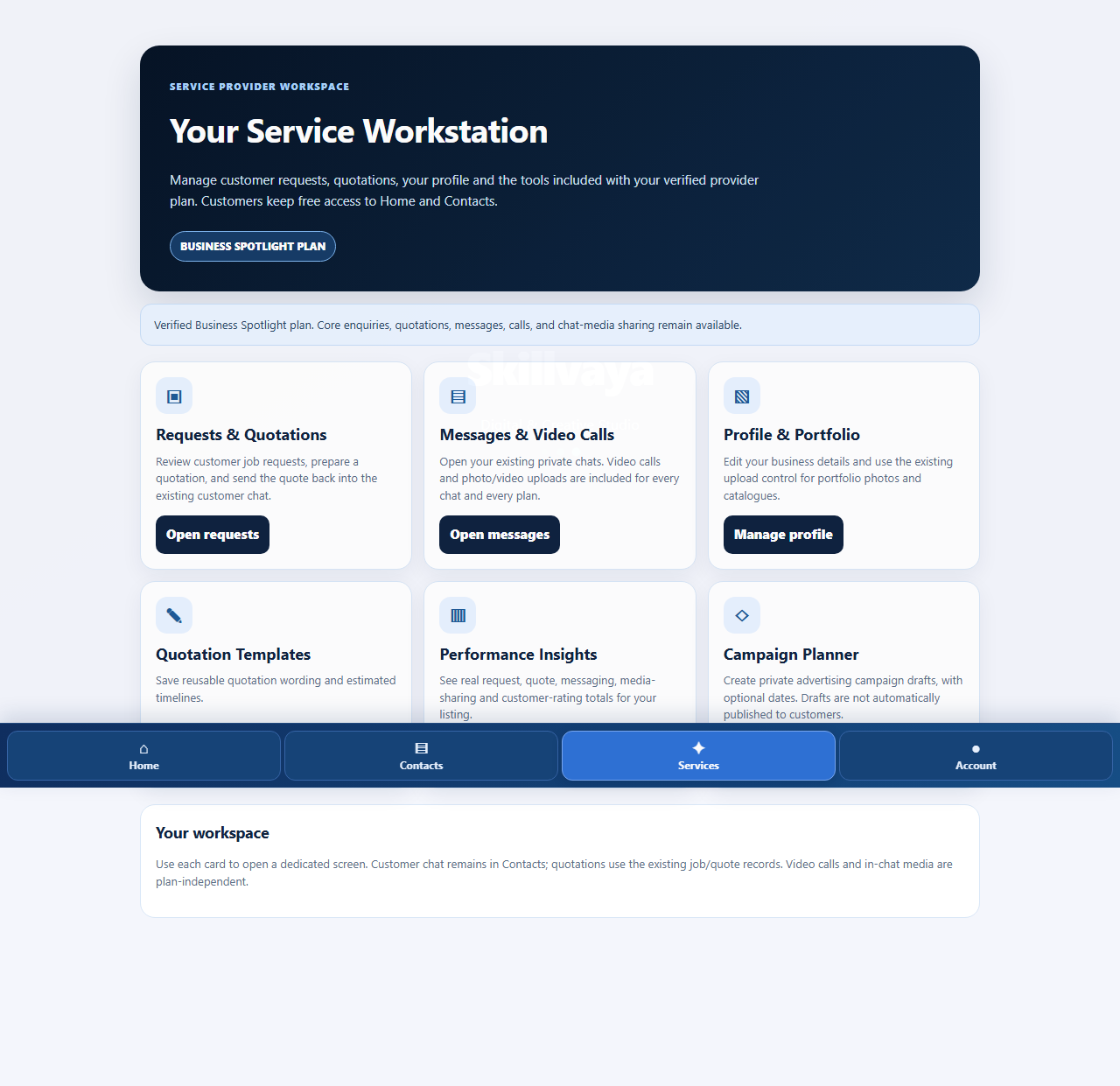
- Customer requests and quotations
- Private messages, photo/video sharing and video calls
Choose the installer for your device. Download only from this official Skillvaya website, and review the installation notes before opening a downloaded file.

For Android phones and tablets. The installer is an APK file downloaded directly from Skillvaya.
Download Android APKFile: Skillvaya.apk · Direct download from skillvaya.onrender.com
After downloading, open the file and follow Android's installation prompts. The exact prompts vary by Android version and browser.
For compatible Windows PCs. Download the Windows executable installer package from Skillvaya.
Download Windows EXEFile: Skillvaya.exe · Direct download from skillvaya.onrender.com
Save the file, then open it when the download finishes. Windows may show a reputation or publisher warning because this executable is not digitally signed.
Customers can browse and contact providers free. Paid provider plans are monthly, with an annual option priced at 11 months for 12 months.
Payments and renewals: Plans do not automatically renew. You must manually choose to renew and complete a new payment. Plans are bought in the Skillvaya Android app through Google Play, which shows the final price in your local currency (worth the same as the rand price) and handles taxes such as VAT.
Terms & ConditionsPrivacy PolicyRefund PolicyCancellation PolicyDelivery Policy
We are planning an optional website-led promotion package for eligible Business Spotlight providers. It will be advertised here first and introduced in stages; it does not require adding new screens to the SkillVaya app.
Potential professionally prepared creative to help present a provider's business and services.
Potential website features introducing a provider and their approved portfolio.
Potential clearly labelled sponsored visibility for a relevant service category.
Potential promotional planning and reporting as the offer develops.
Explore the WorkFinder experience before you install SkillVaya: worker profiles, professional portfolios and private WorkFinder conversations in a clean, mobile-first layout.
Discover jobs, save listings and keep applications organised.
Build your profile and present your portfolio, CV and documents.
Keep WorkFinder conversations separate from service-provider enquiries.
Preview cards are illustrative UI designs, not screenshots of a live user account. Personal profile and portfolio content is supplied by each user.
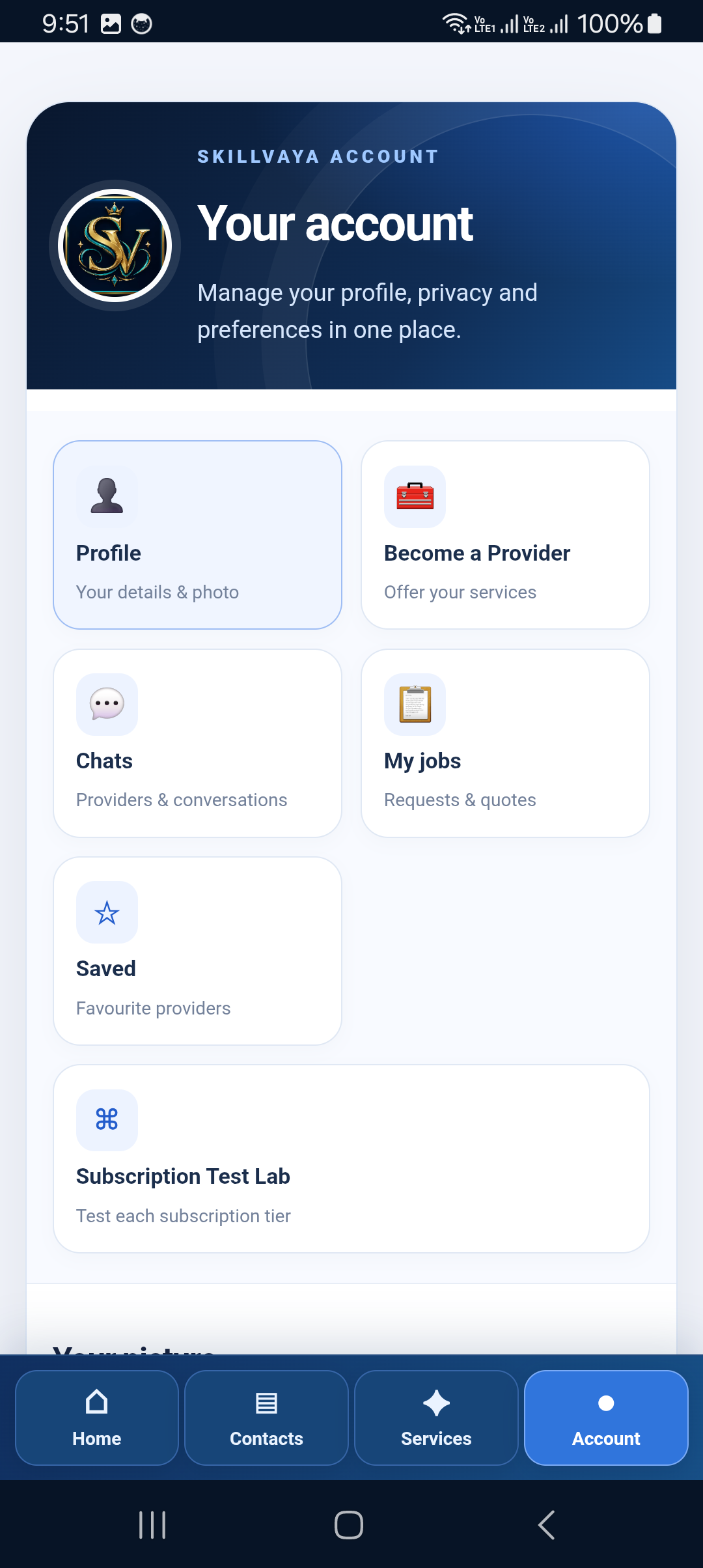
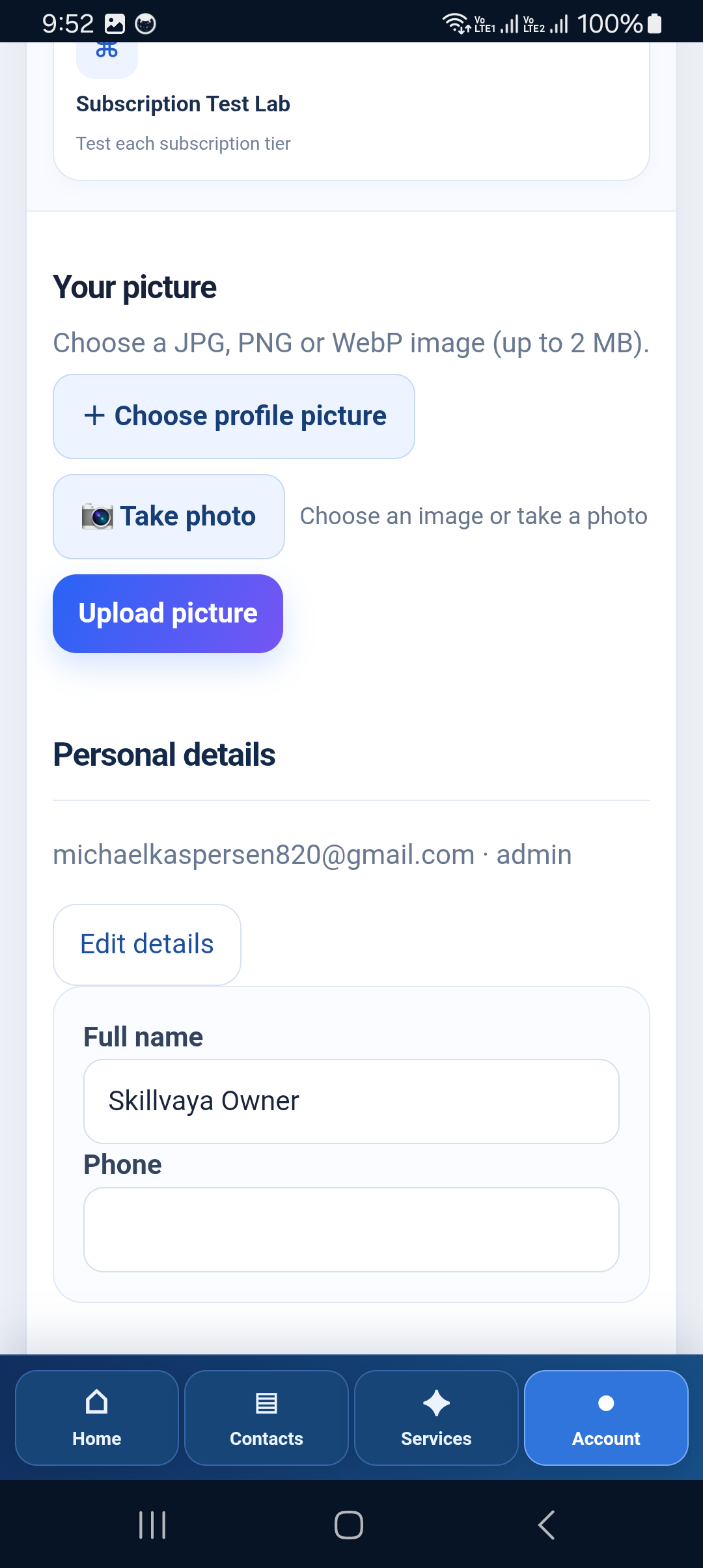
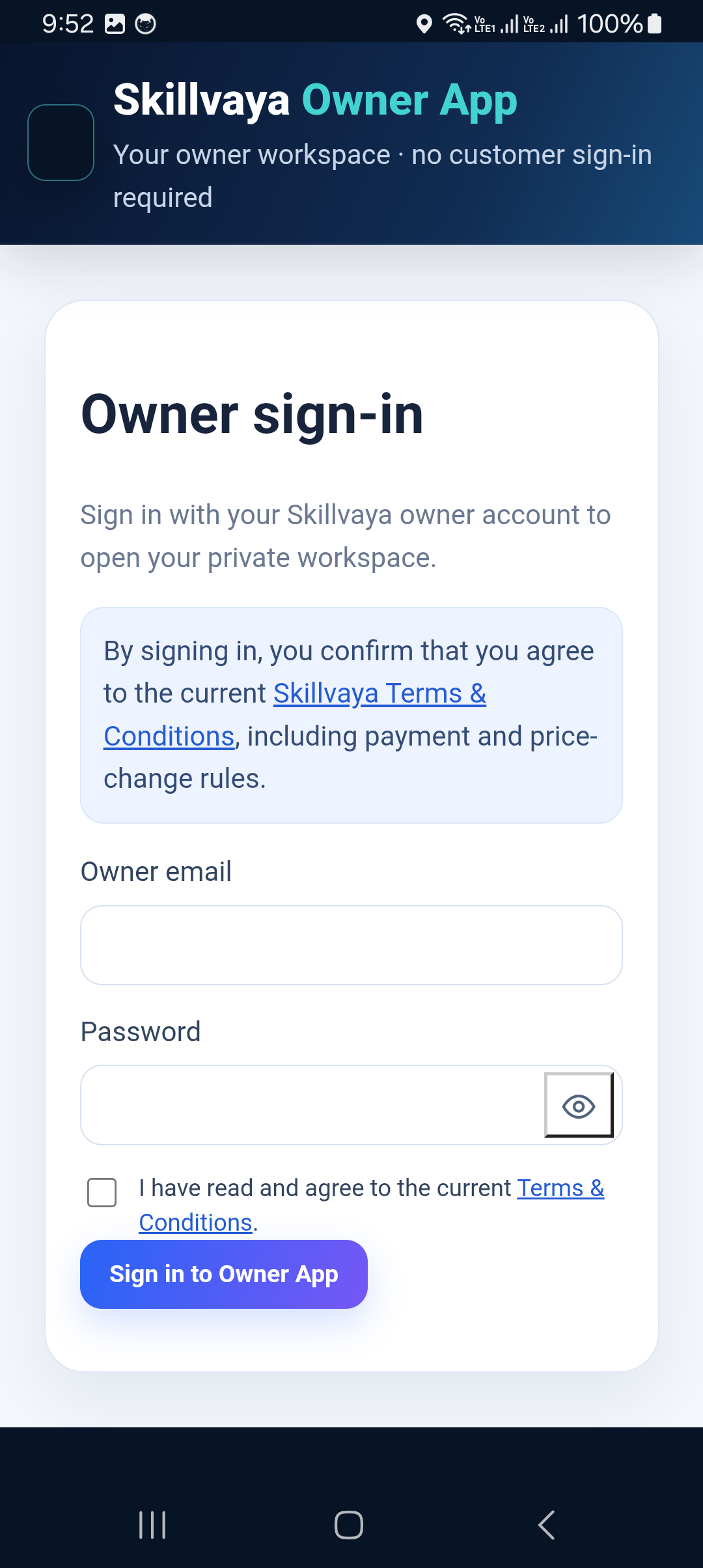
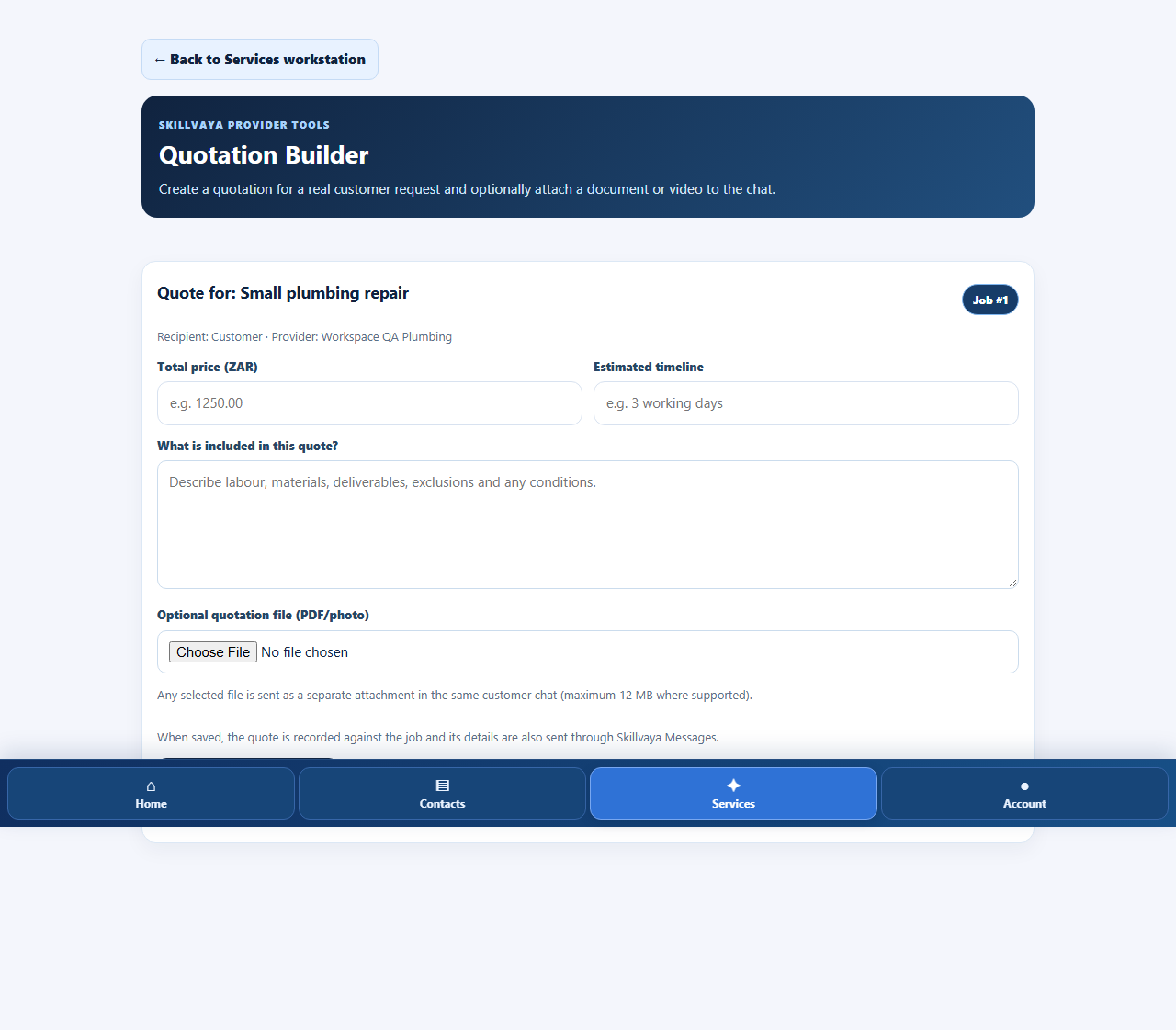
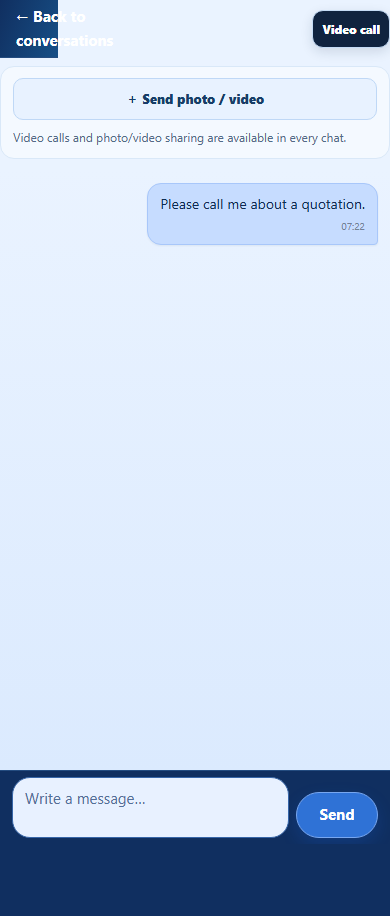
Preview the current mobile app and updated provider tools before you install.
Android or your browser may display a message such as “This type of file can harm your device” when downloading an APK from a website. APK files are app installation packages, and installing one directly from a website is different from installing an app through Google Play. The warning is a general safety prompt; it does not by itself prove that a file is malicious, and it is not proof that a file is safe.
Windows may show Microsoft Defender SmartScreen or an unknown-publisher prompt for a downloaded EXE that has not been signed with a trusted code-signing certificate or does not yet have an established reputation. That prompt is not a malware verdict, but users should not ignore it automatically. Skillvaya's current Windows executable is not digitally signed, so Windows may display a warning.
We recommend keeping Windows security enabled. If you are unsure about a file, cancel and contact Skillvaya support rather than bypassing the warning.
Need help? Email [email protected]. Return to Skillvaya.